Blog/
How to tell an active drilling rig from a stacked rig in satellite imagery
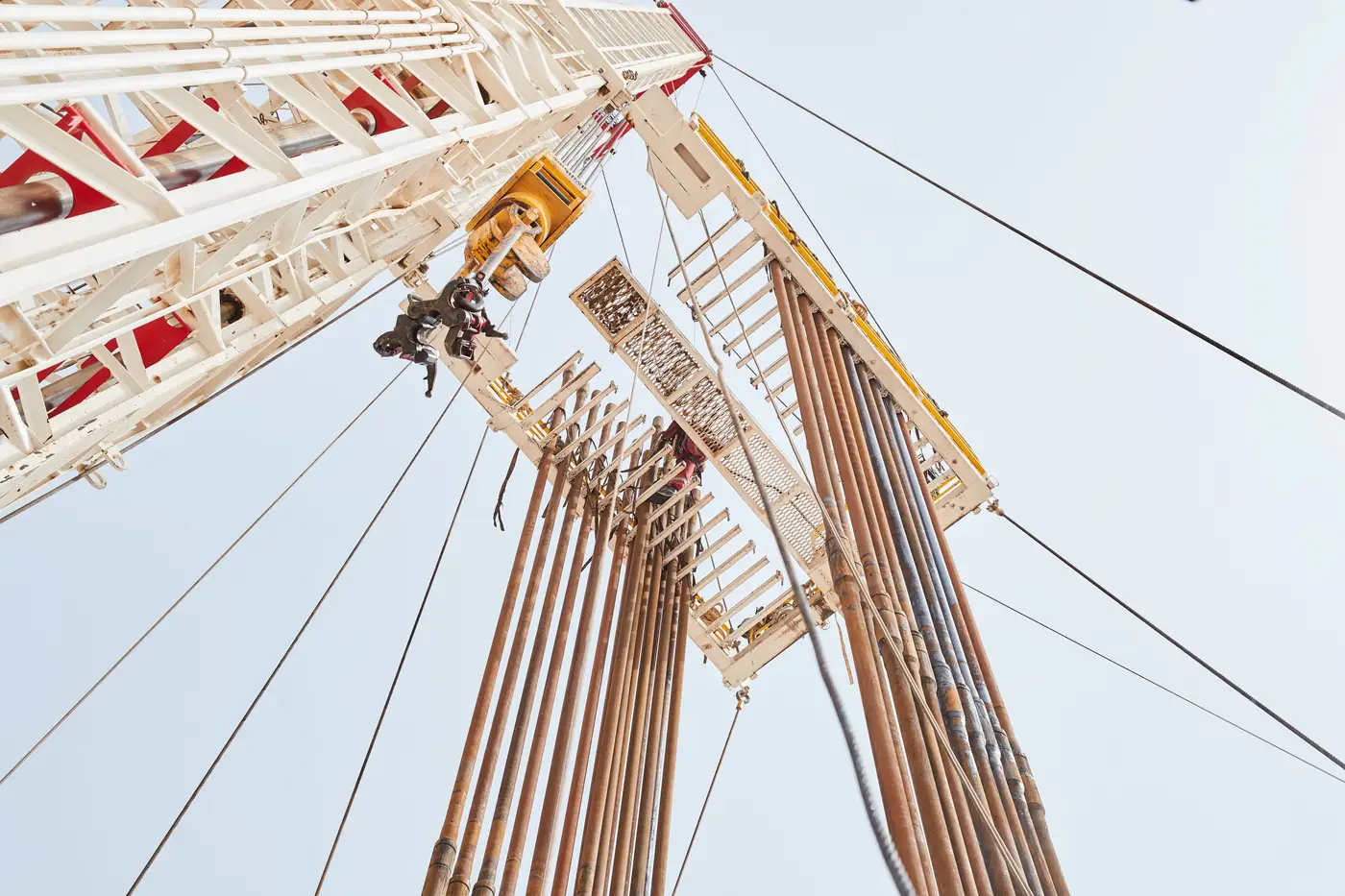
A mast standing upright on a pad doesn't tell you anything by itself. Rigs get released, walked to the next slot on a multi-well pad, or parked for months waiting on a line crew to free up. If you're pulling imagery to sanity-check a permit count or catch activity before the filing shows up, you need to read the pad, not just spot the derrick.
What a stacked rig looks like on a pass
A stacked rig, cold or warm, tends to sit quiet in ways that show up even at moderate resolution. The access road into the location hasn't seen fresh traffic: no new tire tracks cutting through dust or mud, no graded edges where a water truck or vac truck turned around recently. Pipe racks near the catwalk sit empty or hold a token stand or two, well short of a working inventory of drill pipe and casing. Mud tanks and the pit area look settled, sometimes with standing water or a skin of dried mud rather than the churn you get from active circulation. On a lot of cold-stacked rigs the top drive and sometimes substructure components get pulled for use elsewhere, so the mast reads differently in a close look even if you can't make out individual parts at 0.5 m.
Vehicle count matters more than people expect. A working location has trucks: crew pickups at shift change, a water hauler or two, sometimes a wireline or logging unit if they're near TD. A stacked location might have one truck, or none, parked near a trailer that's really just a watchman's rig.
What separates a working rig from a parked one
Active drilling leaves a signature that's less about the mast and more about everything around it. Fresh location work is the clearest tell: a recently cut pad edge, a cuttings pit that's wet and actively being used, caliche that hasn't weathered to match the surrounding dirt yet. Pipe racks loaded with stands of drill pipe or casing, staged in the order a crew would actually need them, point to a rig that's turning to the right or about to be. If the imagery catches a generator or SCR house with a visible exhaust plume, or you're working with a nighttime pass and pick up flaring or high-intensity work lights, that's about as direct a signal as optical imagery gives you.
Timing helps more than any single feature. One pass tells you what the pad looked like on one day. A rig that's between runs, tripping pipe or waiting on a part, can look briefly idle on a single image and get misread as stacked. The fix is a repeat pass: track the same pad across consecutive months and watch whether the pipe inventory, the vehicle count, and the pit activity hold steady, grow, or go quiet. A rig that shows working signatures for two or three months straight and then drops all of them in the same pass where a new pad two locations over picks them up got released and walked to that next location.
None of this is a substitute for ground truth, and anyone who tells you they can call rig status off a single frame with total confidence is overselling the method. What repeat, same-cadence imagery over a named basin gets you is a pattern: which pads are gaining the working signatures, which ones are losing them, and how that compares month over month without waiting for an operator to file. That's the case for building a monthly pad and rig count for a named basin instead of eyeballing one-off frames.
If you're already doing this pad-by-pad by hand, it might be worth checking whether a monthly count would save you the eyeball work.